
Aztheron
The official website of the Aztheron channel. Check out all social media accounts and rocket blueprints here!
Youtube Highlights
Latest Blueprint Catalog
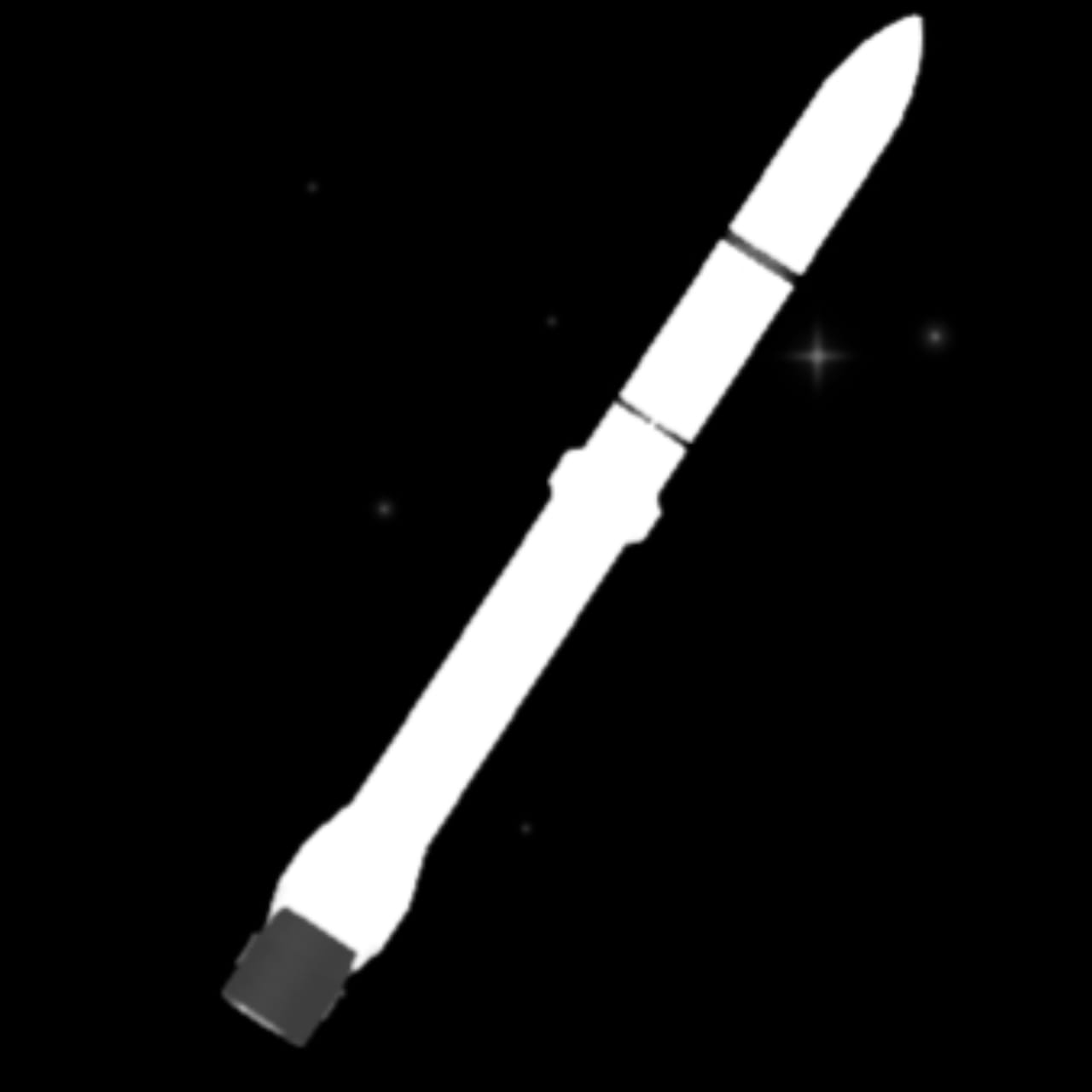
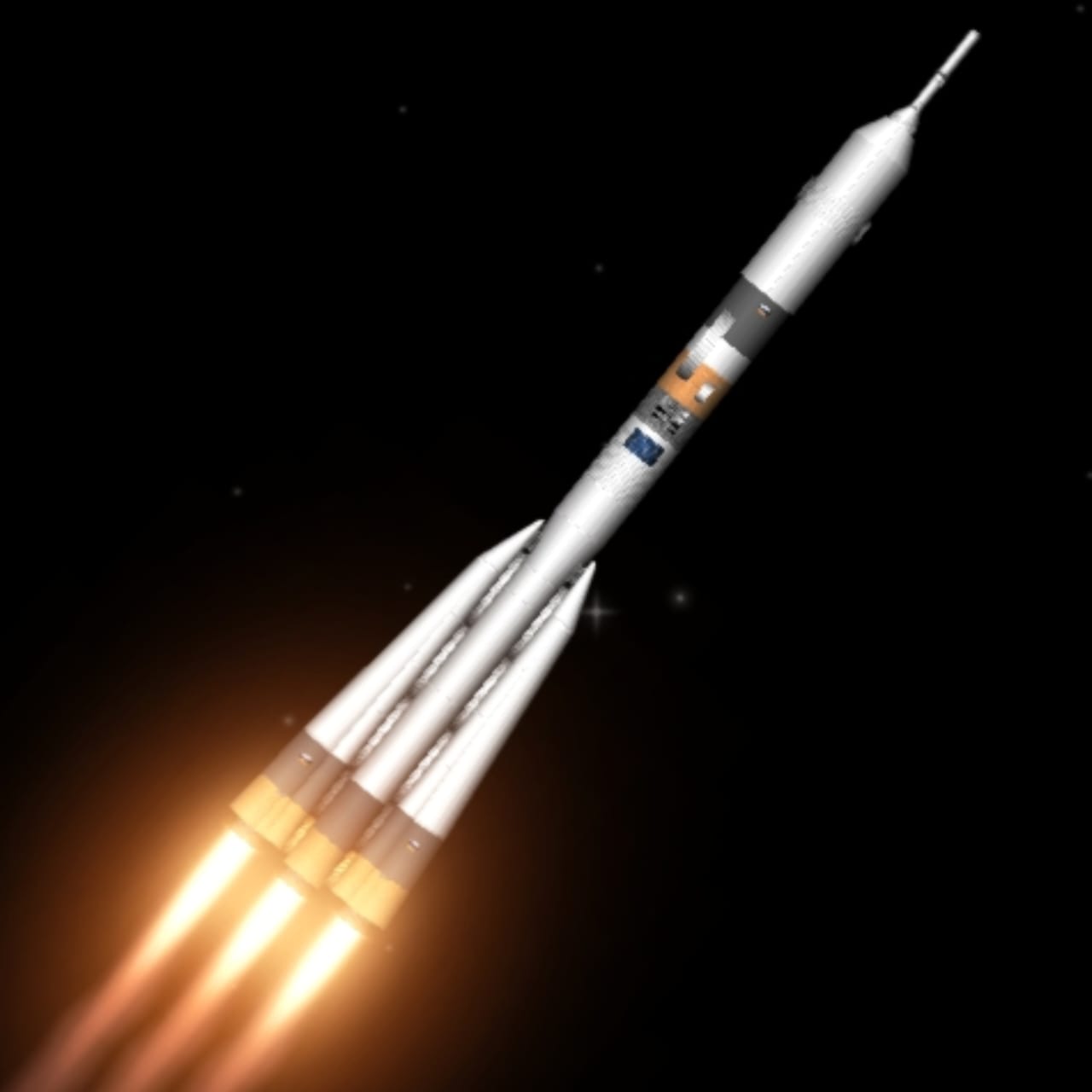
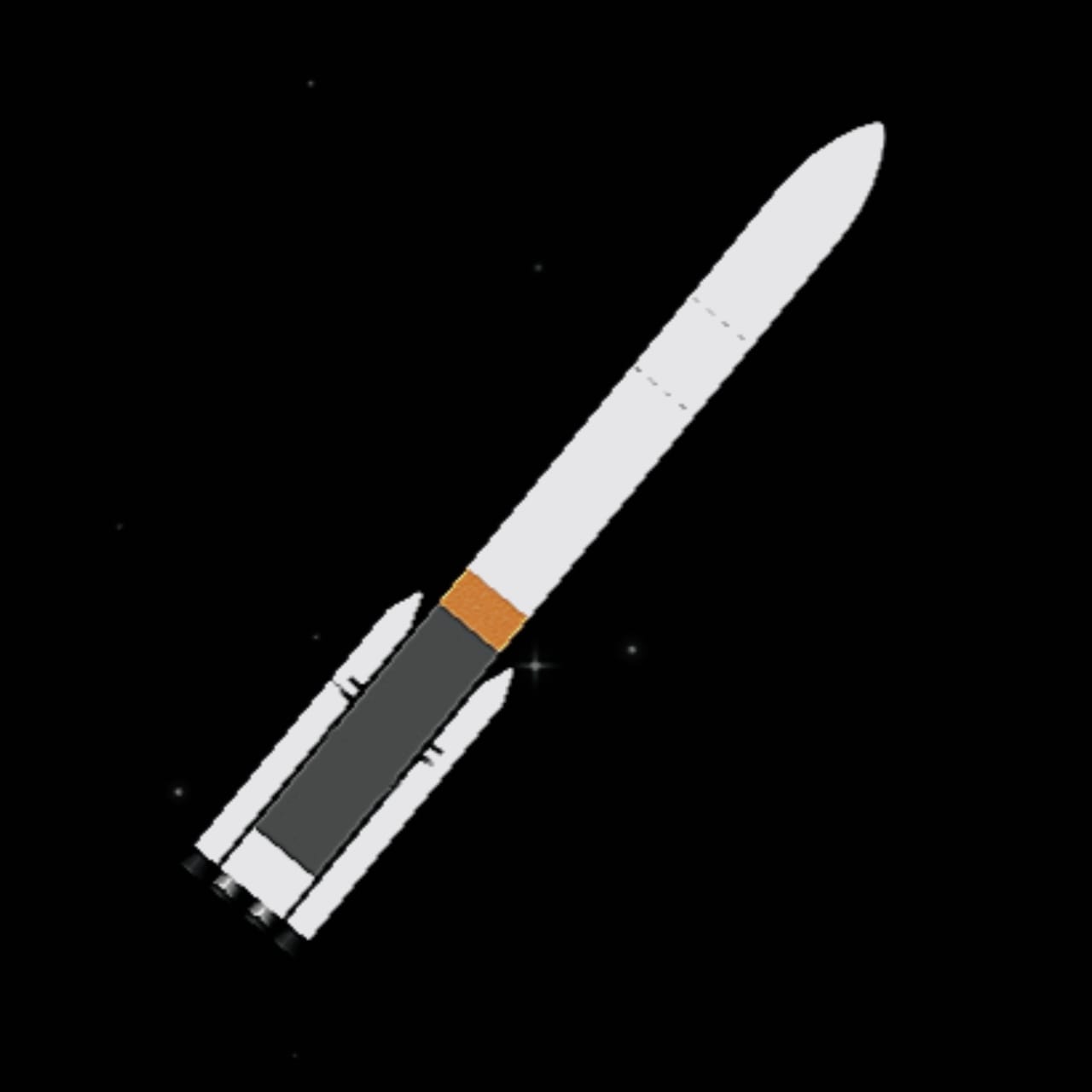
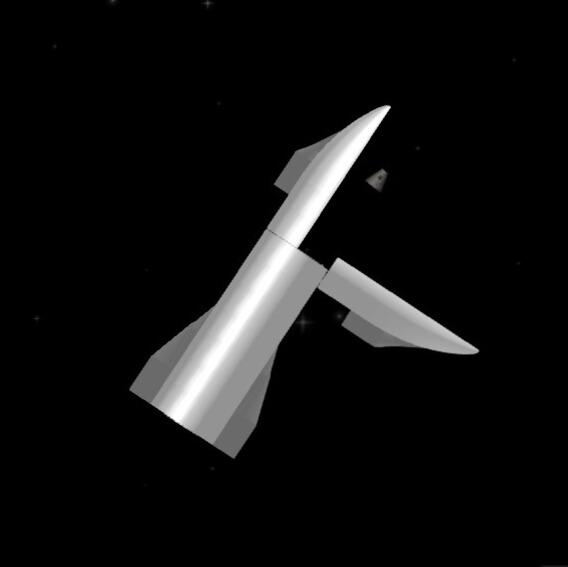
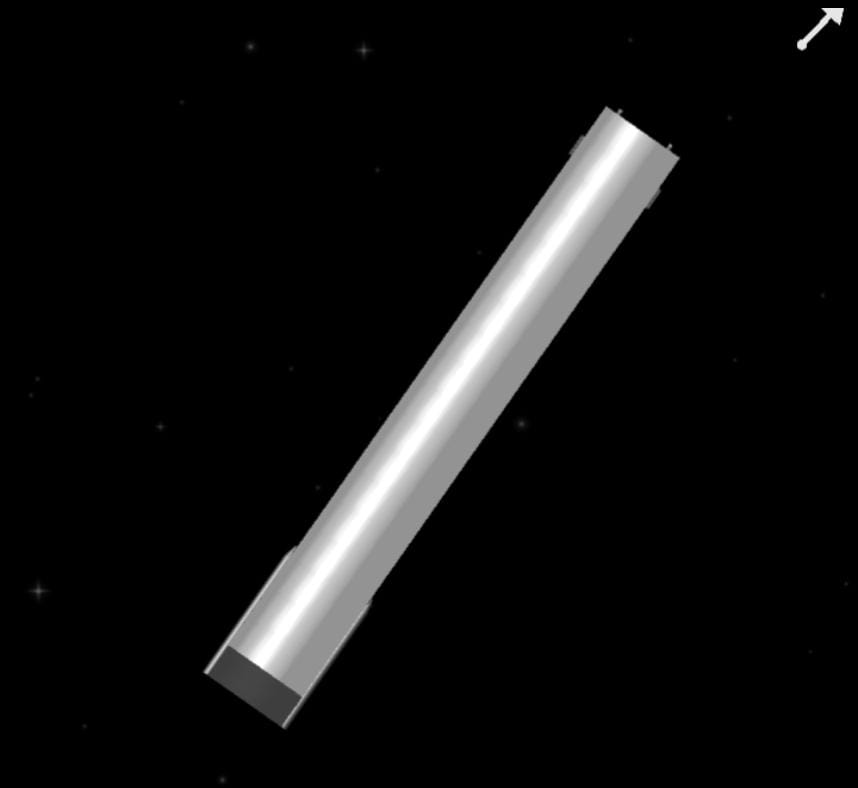
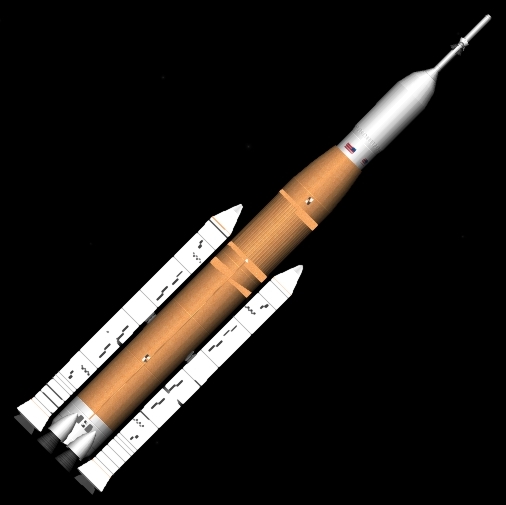
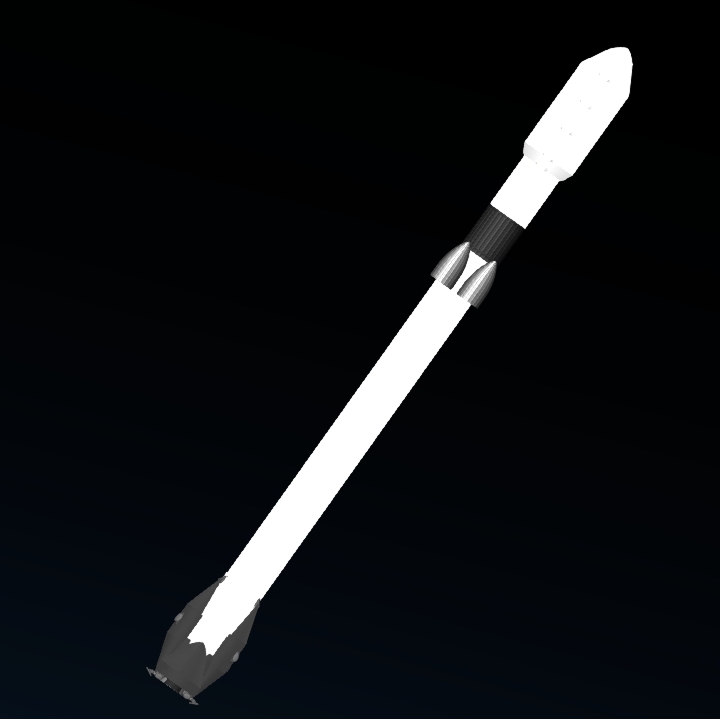
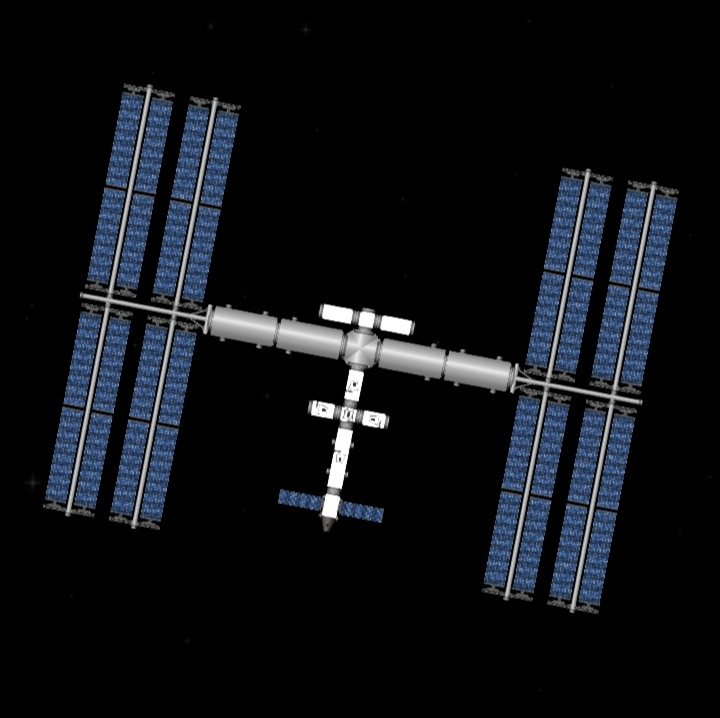
Download the rocket, rover, and space station from the latest SFS videos! All ready for launch.
How to Install Blueprint
- After downloading the .ZIP file (which contains the folder), extract the file if it is a .ZIP.
- Locate the Spaceflight Simulator (SFS) game folder on your device (usually in
Android/data/com.stefmoronja.SpaceflightSimulator/saving/blueprint). - Copy the Folder into the Blueprints folder in the game directory.
- Open the game, and your design will appear in Load Blueprint! Happy rolling!
Need some visual help? Watch my video tutorial: YOUTUBE VIDEO LINK
Social Media
TikTok
@Aztheron
YouTube Channel
@Aztheron_Space